The practical answer
A CMS is useful when someone in your business wants to manage agreed content regularly. It is less useful when nobody plans to maintain it.
Start with the next three updates
Think about the first changes you will make after launch. A coach might update programme descriptions. An interior designer might add completed projects. A business owner with a stable service offering may only need to change contact details occasionally.
Write down those tasks before choosing a package. “I need to add a new project with six photographs” is a useful requirement. “I want everything editable” needs a closer conversation about the layout, fields, and permissions involved.
What self-editing should mean
A CMS exposes the content areas configured for your website. I agree the text, images, and other supported fields before I build them. That keeps the editing experience tied to your actual work.
Changing content is different from changing the design. Replacing a photograph in an existing project is one task; adding an entirely new page layout or booking feature is another. Tell me about both so I can quote the right scope.
My $300 and $400 options
The $300 Business Website includes five pages, with changes handled by me. Contact me when you need an update and I will agree the work involved. Future editing work is not an unlimited subscription hidden in the initial price.
The $400 Website + CMS package also includes five pages, with supported content editing access. Both standard packages take under 24 hours once the agreed scope, content, and access are ready. Hosting is included, the domain renews annually, and website payment is due after completion.
Questions to settle before handover
- Which specific text and images can your team change?
- Who will have editing access and keep the credentials?
- Will adding a new item reuse an existing layout or require design work?
- Who will check the page after an update?
- Which future features need a separate quote?
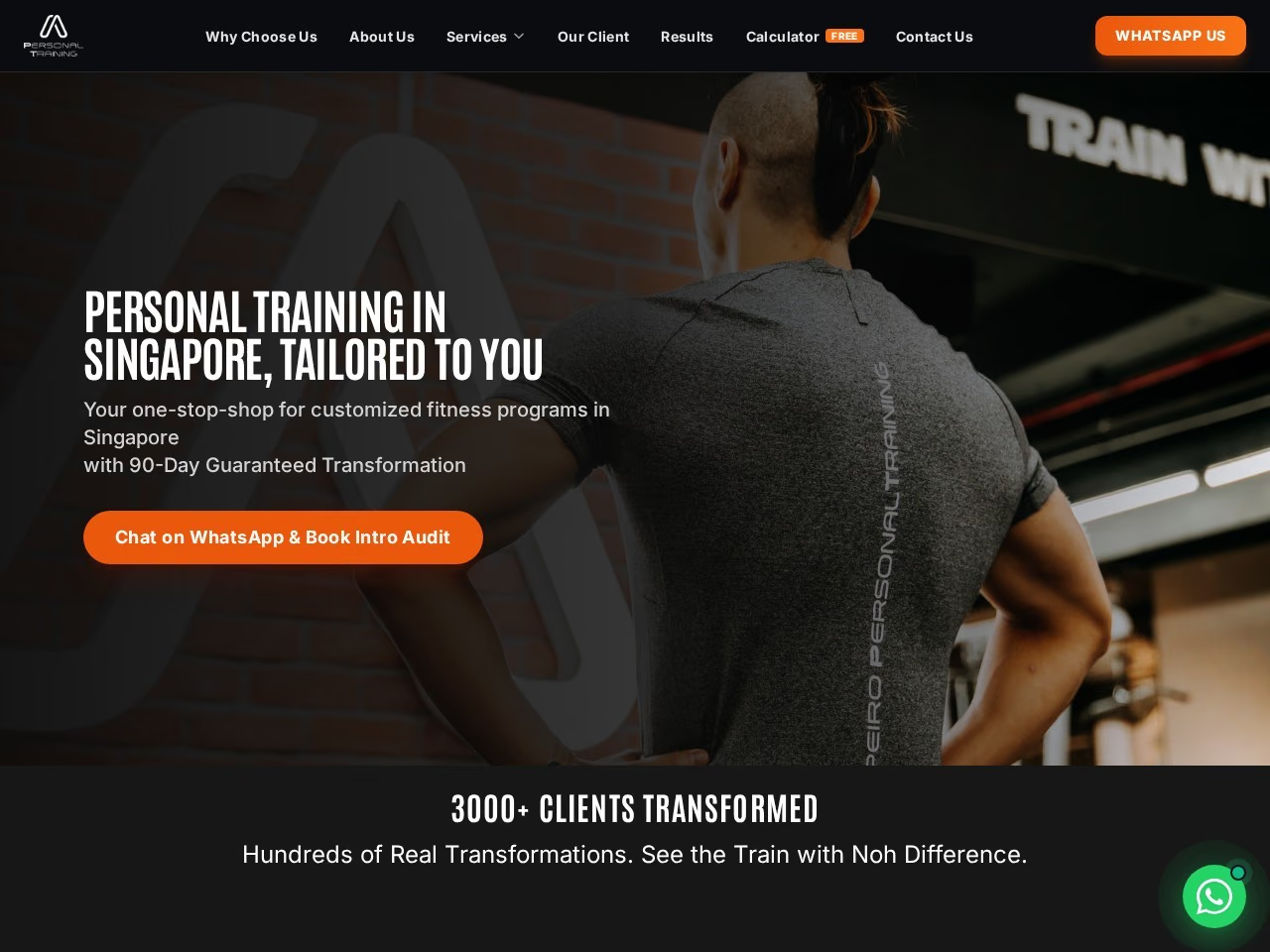
Look at PersonalTrainer.sg as a coaching website example. Its range of programmes is a useful starting point for discussing which business information you might maintain; the example does not define the exact CMS fields for your project.
Choose the workflow you will actually use
If you prefer one person to handle your updates, the non-CMS option may fit your workflow. If you want control of agreed content areas, explore my CMS website design service.
Send me a list of the changes you expect to make during a normal month. I can use that list to decide whether CMS access is useful before you choose a package.
Let's plan your website
Put this into practice.
Send me your business details and what you need. I can agree the pages, features, and delivery scope before you choose a package.
Discuss this with RaffyOne-time website payment, 100% after completion. Free hosting included; domain renewed annually.